Spacez Captains


50+
Properties running their check-ins through it
30 → 8 min
Average check-in time per booking
24
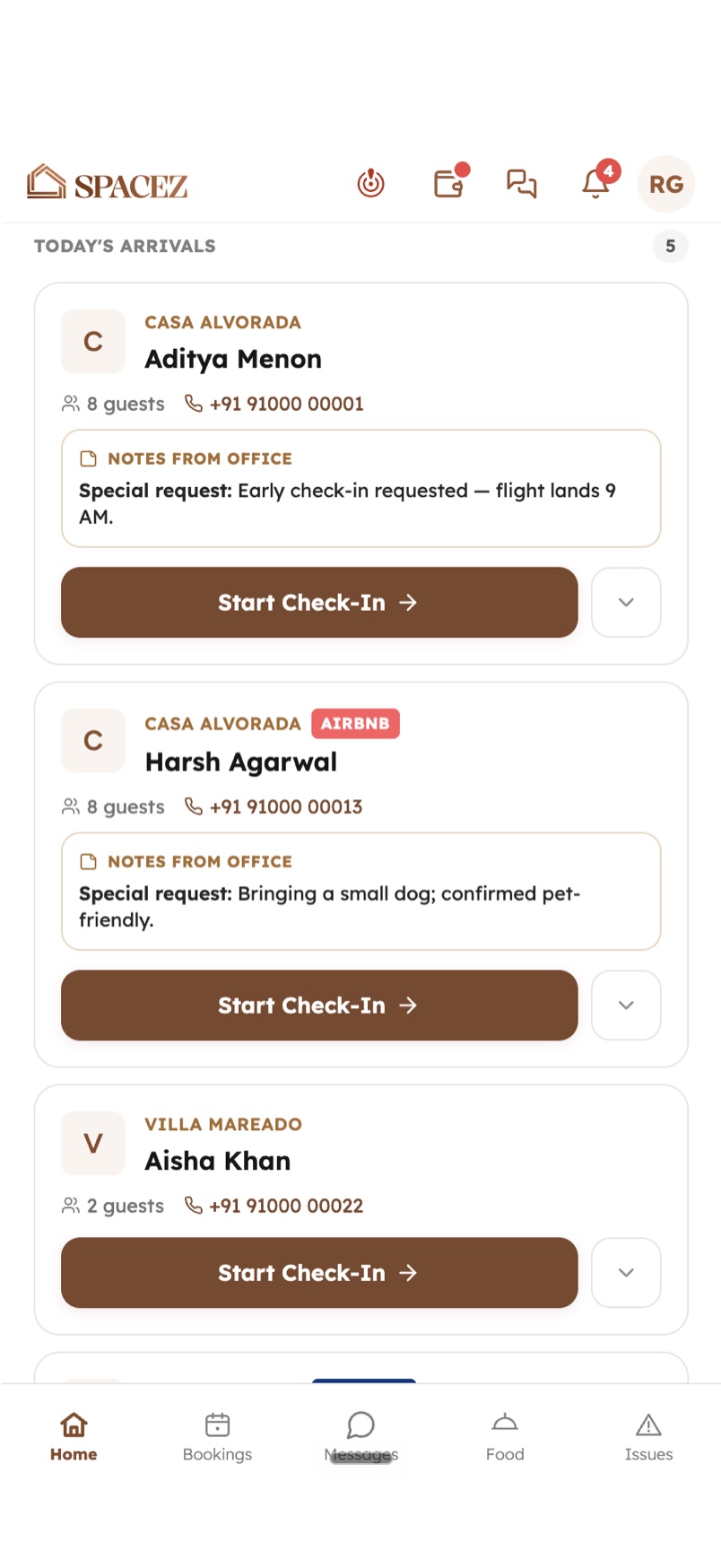
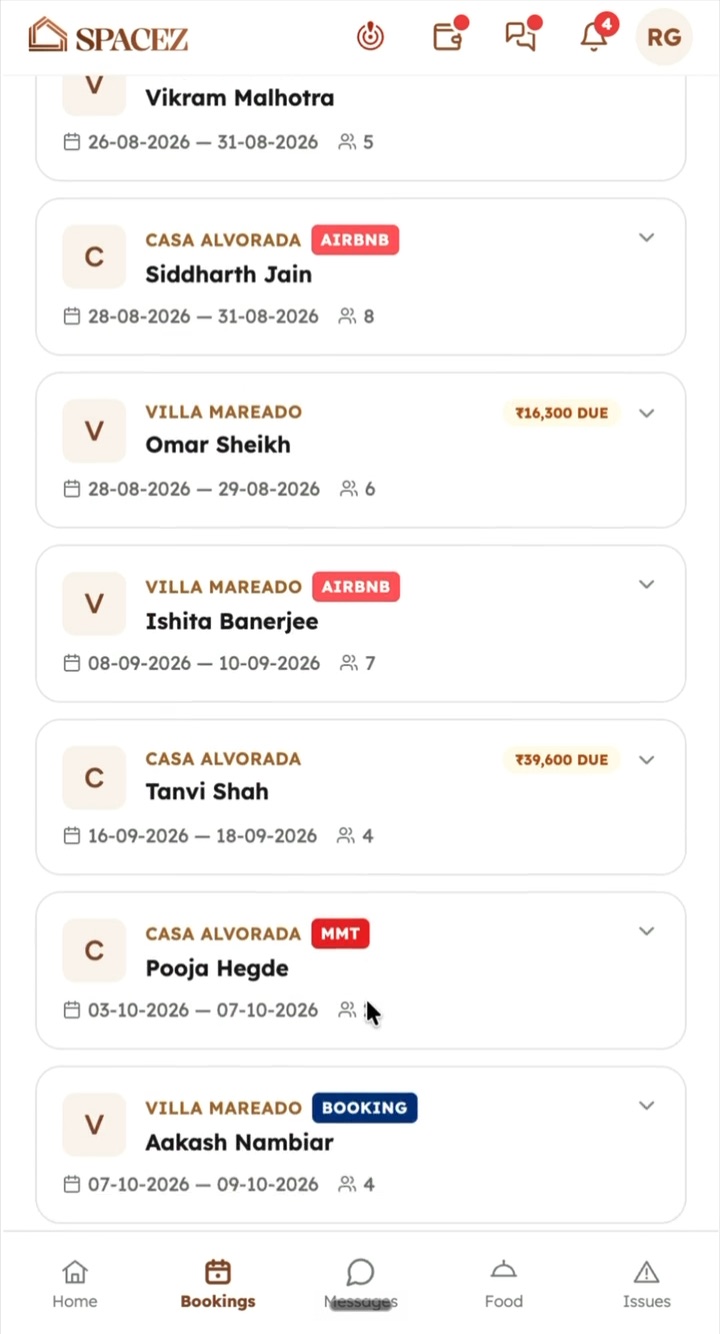
Screens a caretaker works in on the ground
0
Check-ins lost when the signal drops
The guest watched while we copied their ID by hand, and none of it was visible to anyone not standing there.
Overview
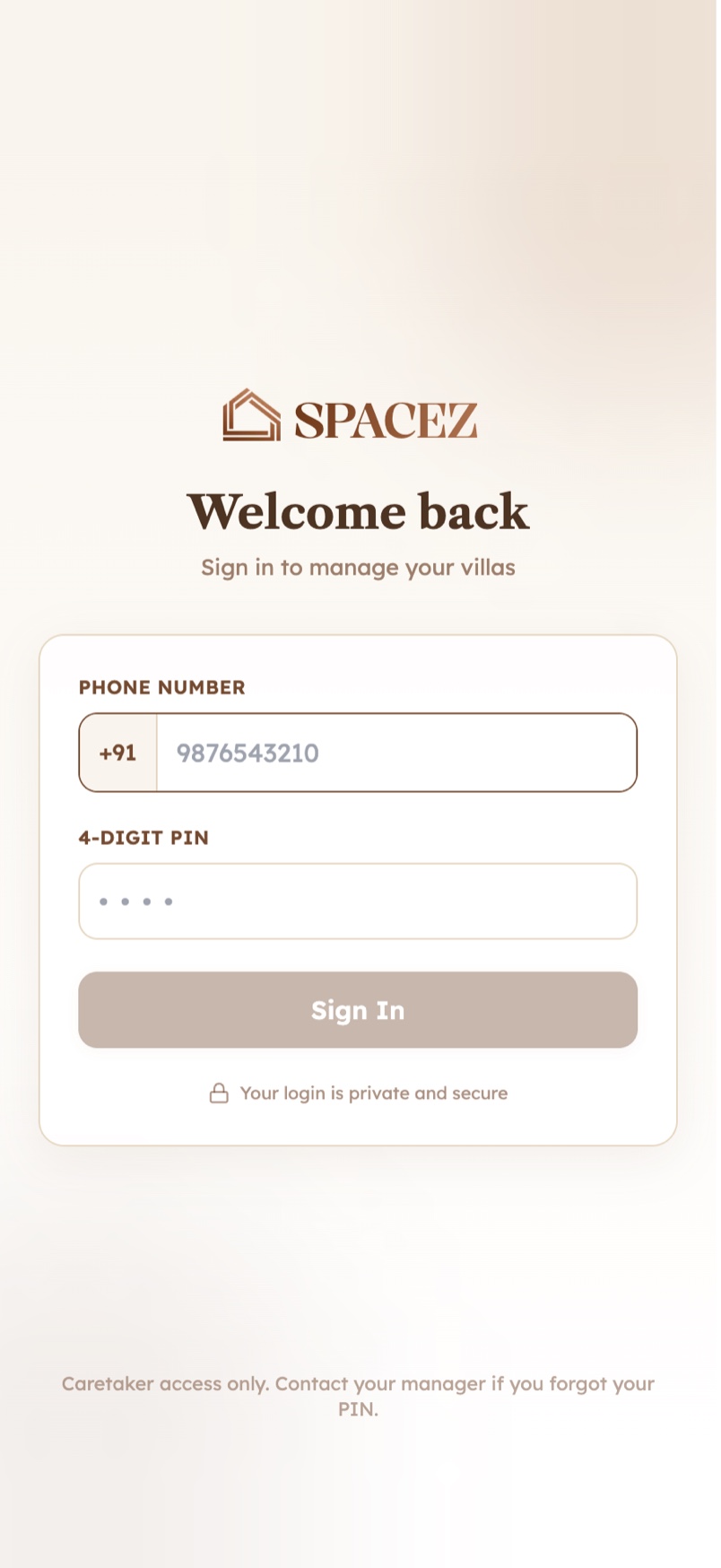
Every Spacez stay starts with a caretaker at the property. They check the guest’s ID, walk them in, and handle whatever the house does next. That work ran on WhatsApp threads and paper forms, which made it slow at the door and invisible to everyone who was not standing there.
Where it gets used decided most of the design. A caretaker holds a phone in one hand with a guest waiting in front of them, and villas do not have reliable signal. A tool that needs a live connection gets abandoned the first time it fails, and an abandoned tool is worse than none, because the team keeps believing the data is there.
Not one engineering ticket was raised for Captains. The screens, the offline model and all 24 of them are one person’s work. It shipped as a web app, became installable as a progressive web app, and now runs as a real app on a caretaker’s phone, sharing a single codebase with the Console the office uses.
Outcome
Captains and its ops dashboard went live across 50+ properties. Average check-in came down from 30 minutes to 8.
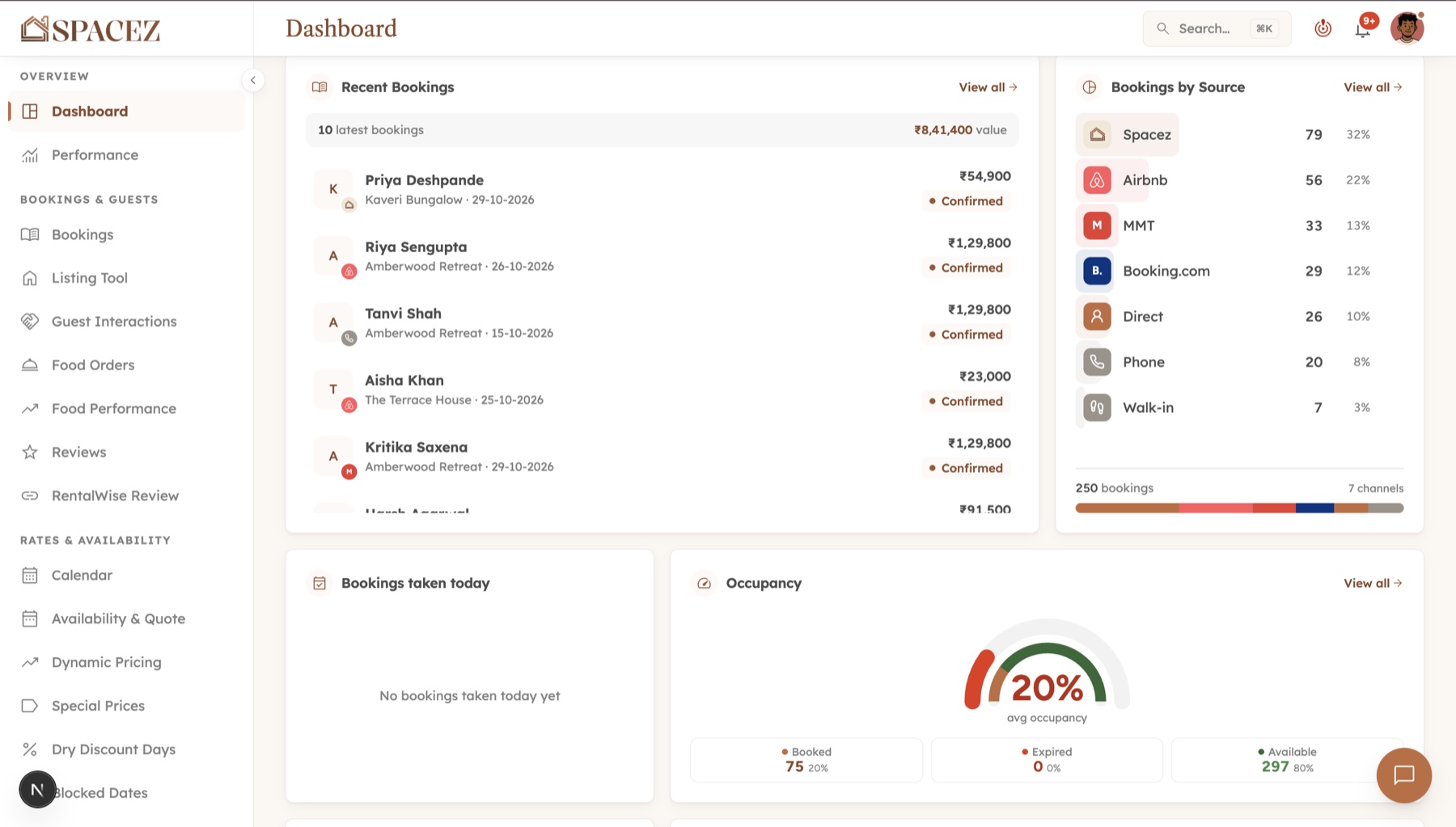
A check-in taken in a dead zone is written on the phone and sent when the signal returns, so nobody stands in a doorway waiting for a bar of reception. And because every check-in and ticket writes to the same record as the booking, what happened at the property stopped being something the office had to ask about.
Built for a doorway with no signal
The slowest part of a check-in was copying a document by hand while the guest watched. Pointing a camera at the ID and reading the details off it removed that step, which is most of the twenty-two minutes.
The harder half was what happens when there is no connection, because that is the moment the whole thing either holds or quietly stops being used.
Step five is the one that came from watching rather than planning. Phones are handed over at the end of a shift, which means an unsent queue is not just a technical problem, it is one caretaker’s work appearing under another’s name.
Ticketing followed the same rule. Instead of describing a broken geyser in a message, the caretaker photographs it and it becomes a ticket attached to the property and the stay, which is quicker to raise and leaves nothing to interpret at the other end.
The one the others were built from
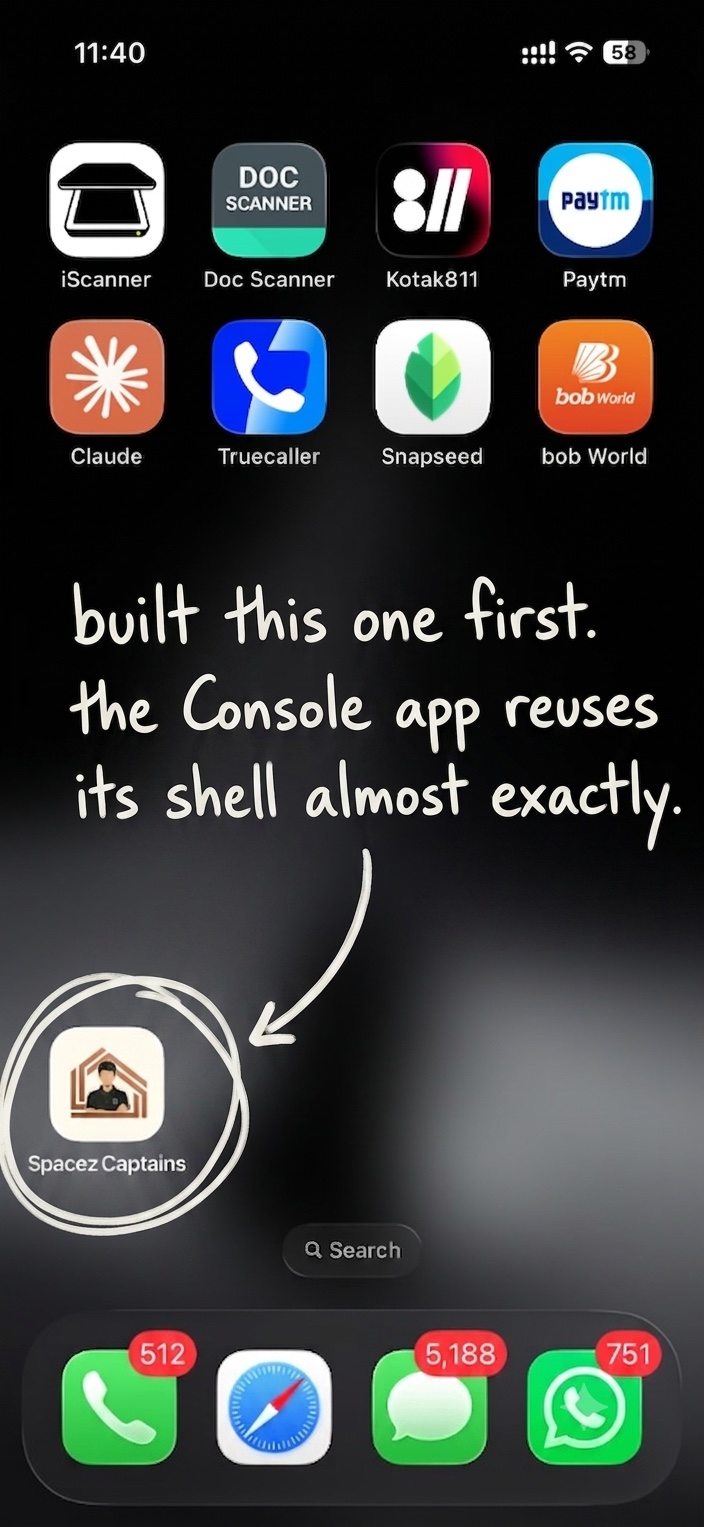
Captains shipped before the Console app existed, which made it the place to find out what a native shell around the web app actually costs. Every question got answered here first: what the icon and splash need, which hosts the app is allowed to navigate to, how a session survives the phone being killed, what a push notification has to carry to open the right ticket.
When the Console needed the same treatment, almost none of that was decided twice. It reuses this shell nearly line for line, with a different bundle id and a different URL behind it. One app took the time; the second took an afternoon.
Reflection
The temptation with a field tool is to design it at a desk, where there is always signal and never a guest waiting. Every decision worth keeping here came from the other direction: the camera instead of the keyboard, the queue instead of the spinner, the logout that wipes the phone. Nobody asked for any of them, and they are the reason it is still being used.